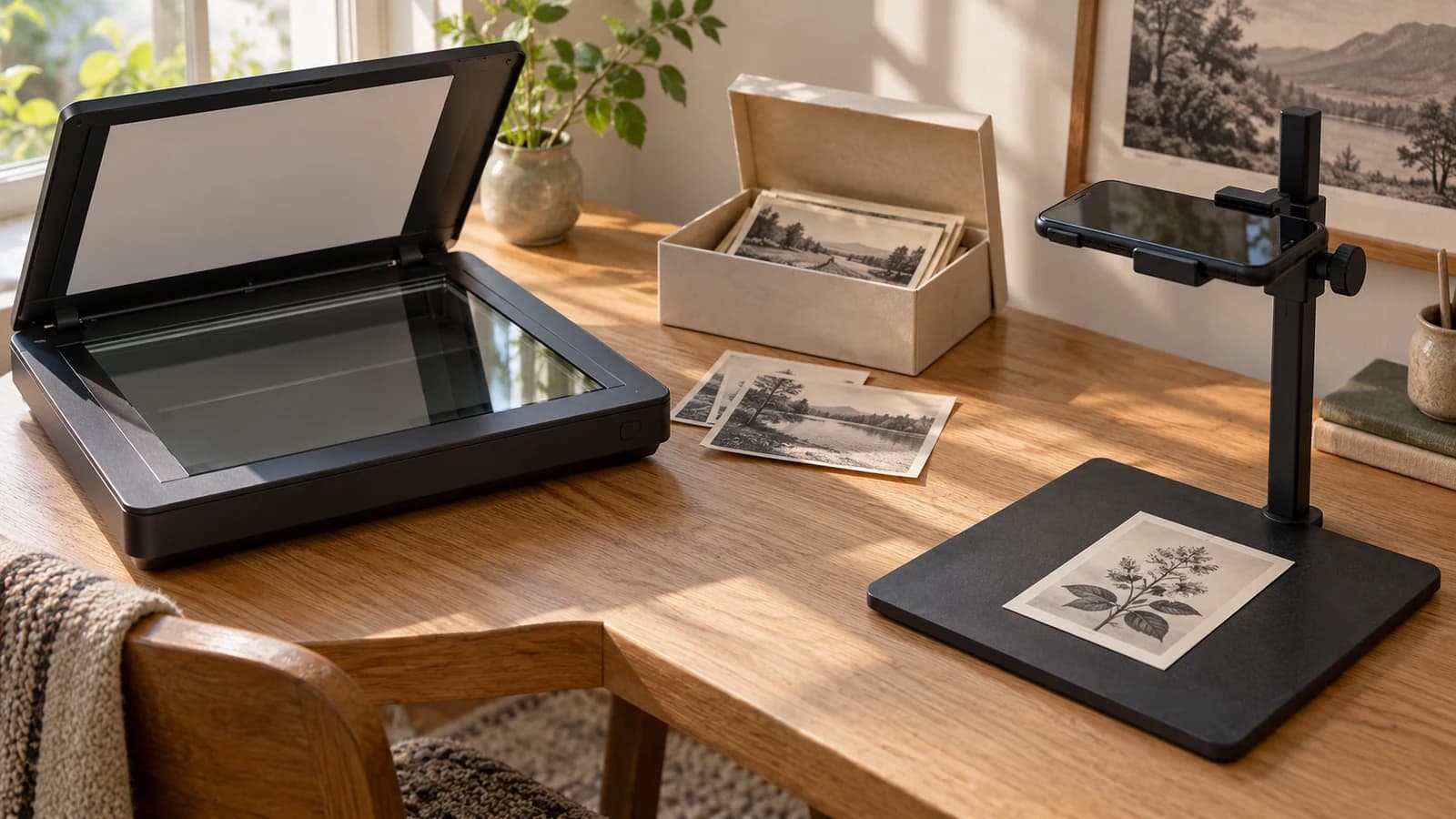
photo scanningdigitizing old photosfamily archives
Flatbed Scanner, Phone, or Scanning Service: How to Choose
Choose a way to digitize family photos by condition, useful detail, collection size, and handling. Test a small batch before buying equipment or mailing originals.
9 min read · Updated October 9, 2026Read guide 
photo colorizationblack-and-white photosdigital preservationAI photo restoration
Should You Colorize an Old Black-and-White Photo?
Use this decision guide to colorize an old photo without confusing inferred color with evidence, overwriting your master scan, or losing context.
8 min read · Updated October 6, 2026Read guide 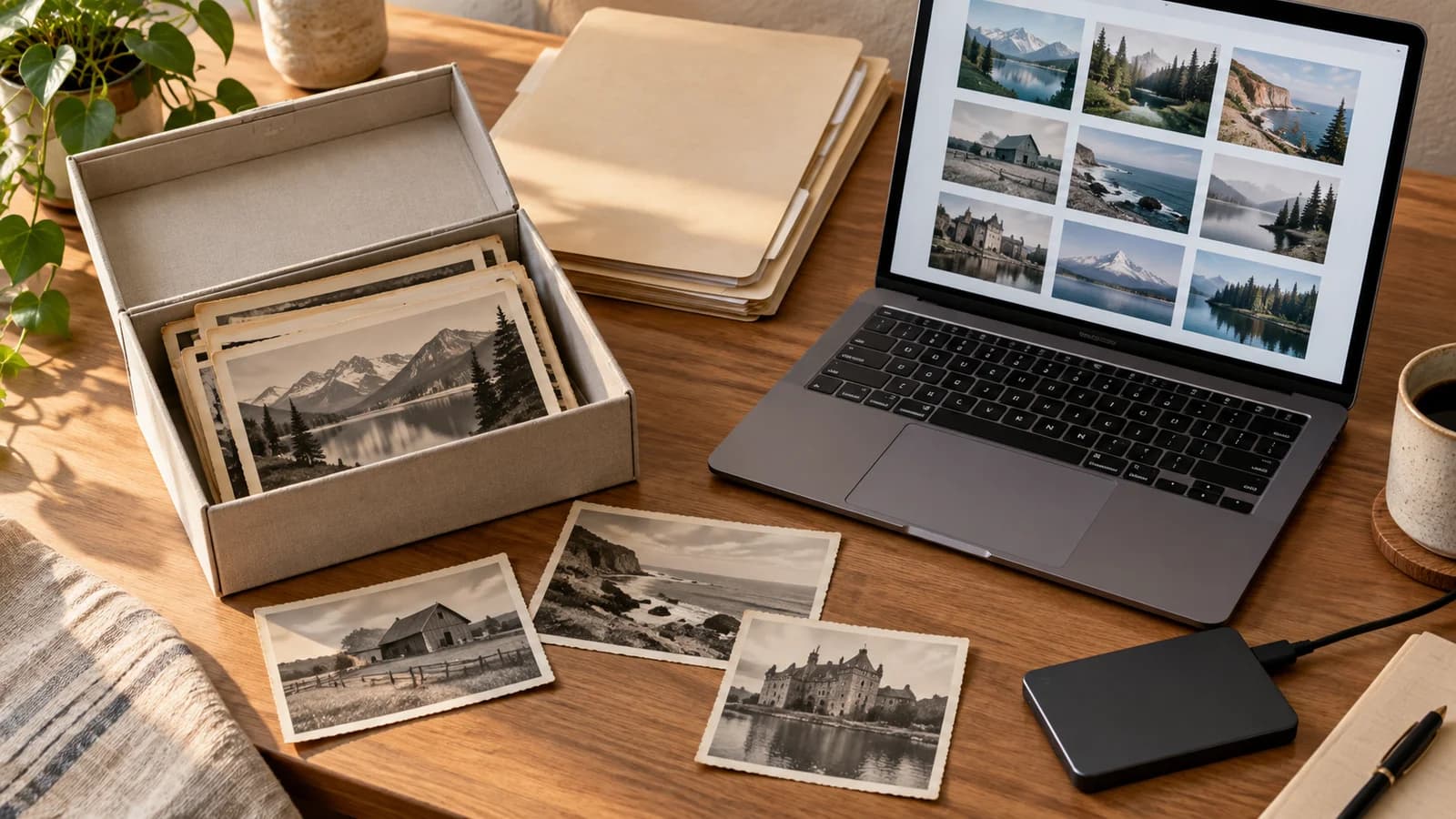
family photosdigital preservationphoto scanningfile organization
How to Organize Scanned Family Photos: Names, Folders, and Backups
Build a simple system for scanned family photos: keep untouched files, name each image, record uncertain details, and check your backups.
6 min read · Updated September 25, 2026Read guide 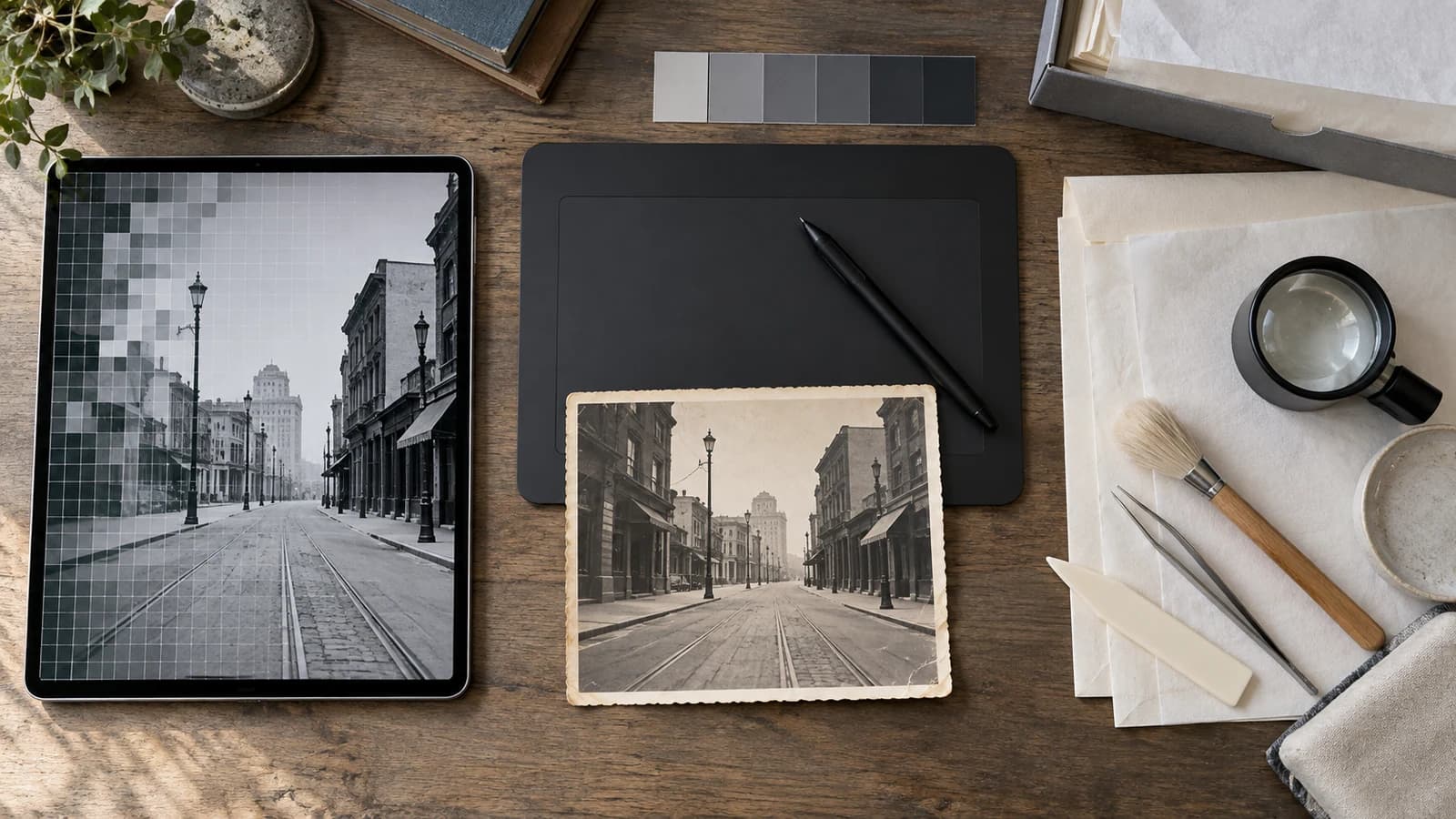
AI photo restorationmanual retouchingphoto conservationfamily photos
AI Photo Restoration vs Manual Retouching vs Conservation
Choose between automated AI restoration, manual digital retouching, and photograph conservation based on the original, the damage, and your goal.
9 min read · Updated September 18, 2026Read guide 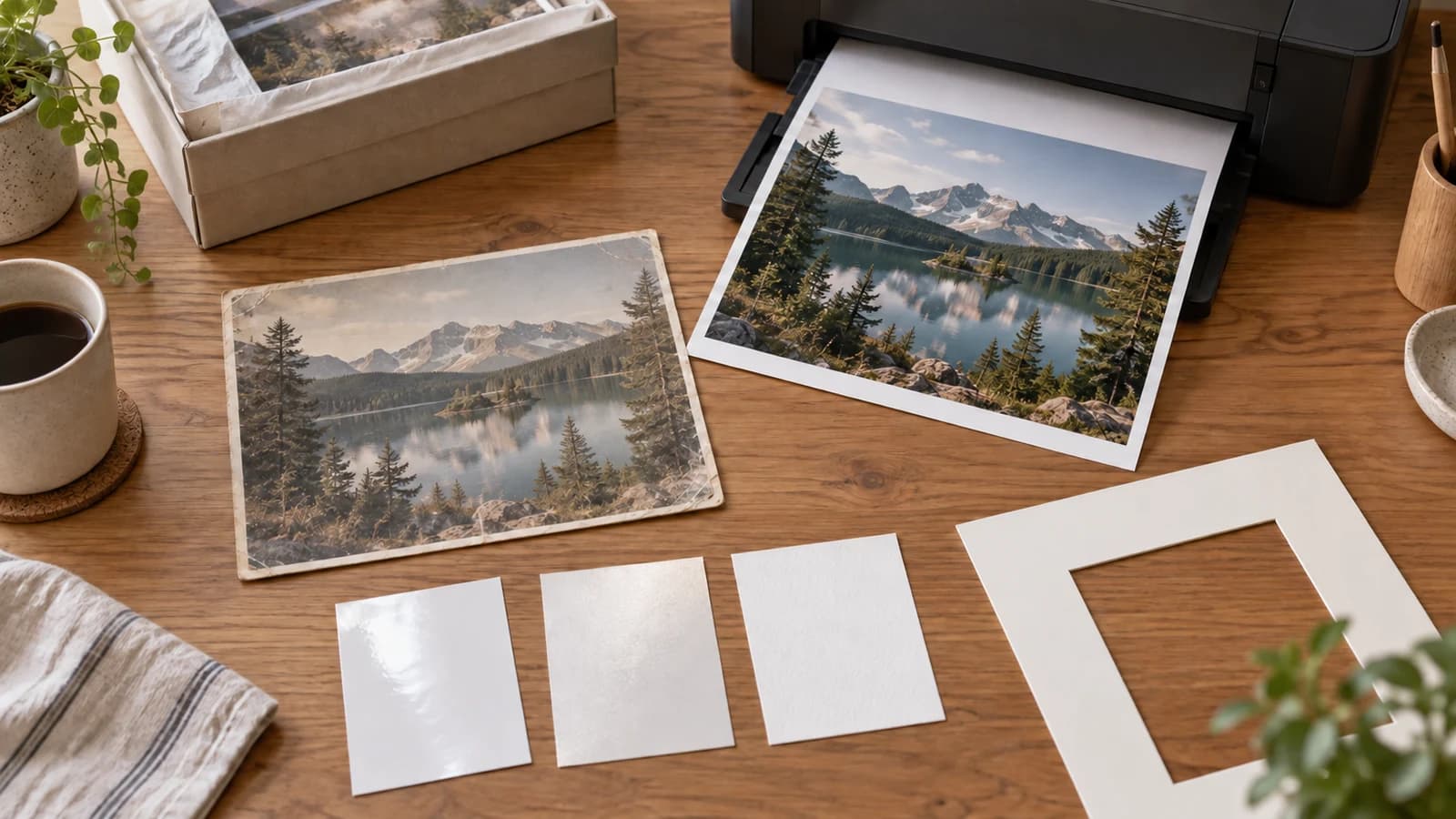
photo printingphoto restorationprint resolutionphoto cropping
How to Print a Restored Photo: Size, Resolution, Paper, and Crop
Choose a print size, check pixels after cropping, compare paper finishes, and proof a restored photo without mistaking PPI for recovered detail.
8 min read · Updated September 15, 2026Read guide 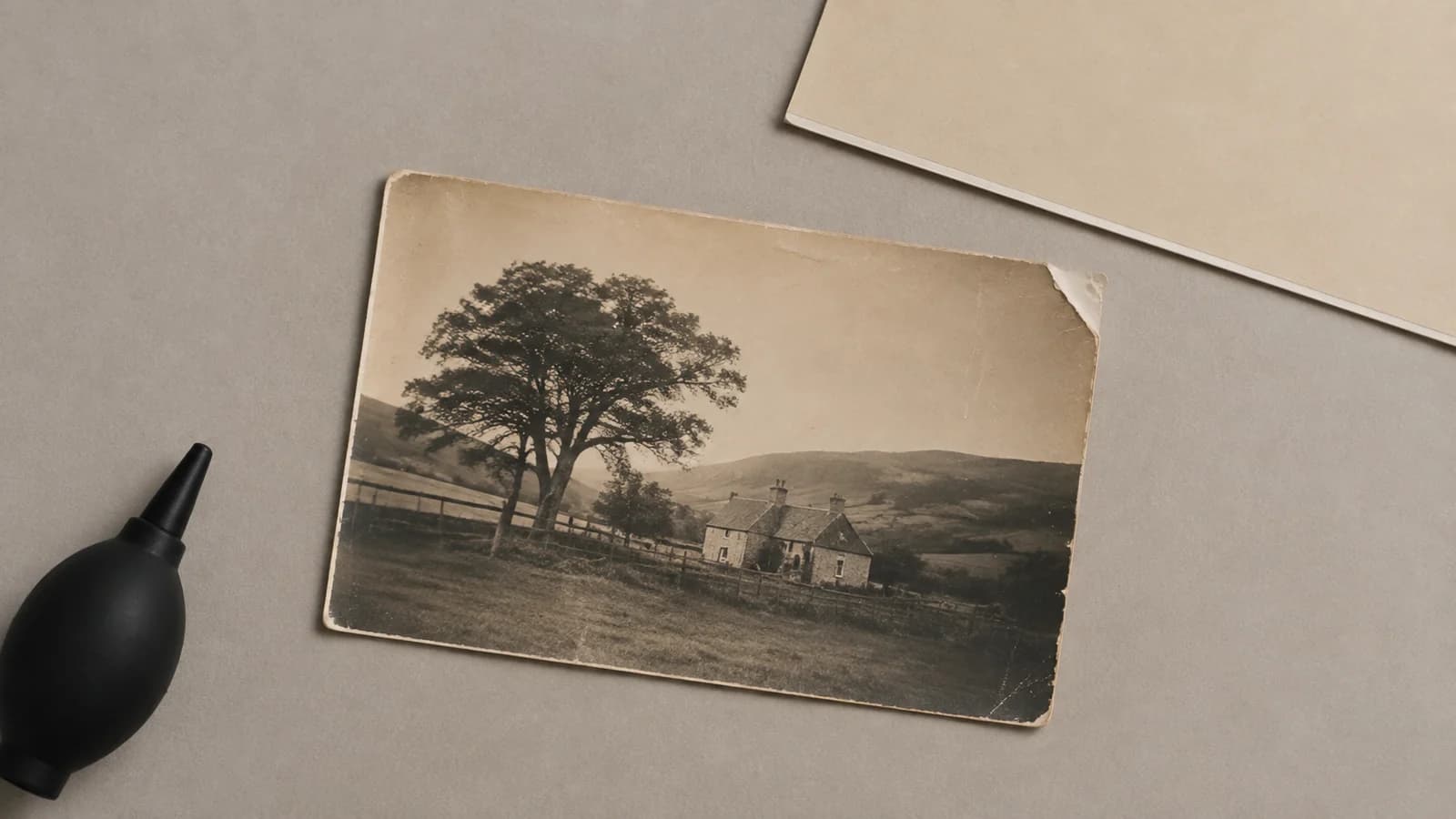
damaged photosphoto scanningphoto conservation
Should you scan a damaged photo or call a conservator first?
Use a condition-first checklist to decide when a scratched, faded, torn, curled, wet, or stuck old photo is safe to scan and when to call a conservator.
9 min read · Updated September 14, 2026Read guide 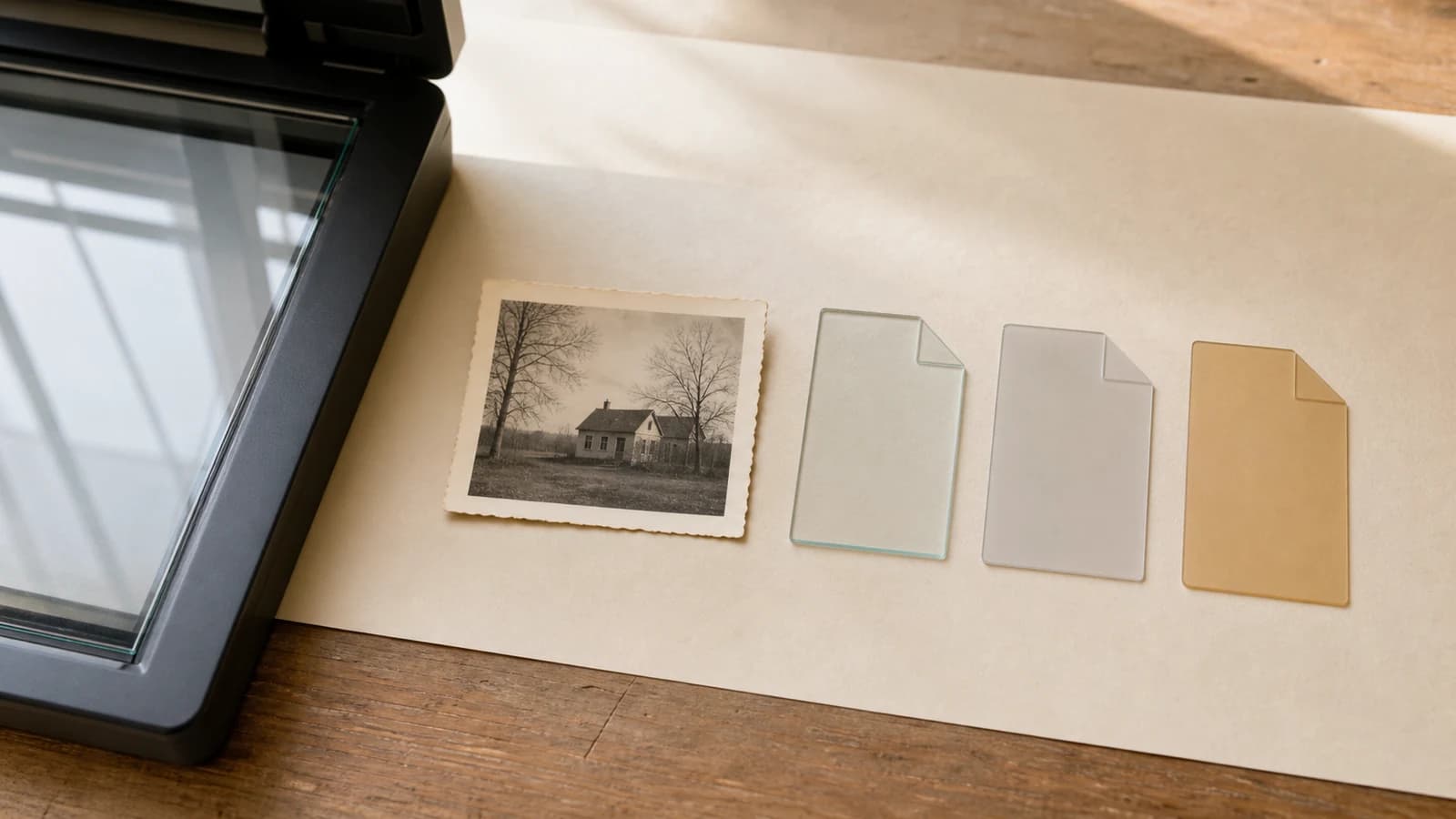
photo scanningfile formatsdigital preservationfamily photos
JPEG vs PNG vs TIFF: Which Is Best for Scanning Old Photos?
Choose the right file format for an old photo scan, from a lossless preservation master to practical editing, restoration, and sharing copies.
11 min read · Updated September 6, 2026Read guide 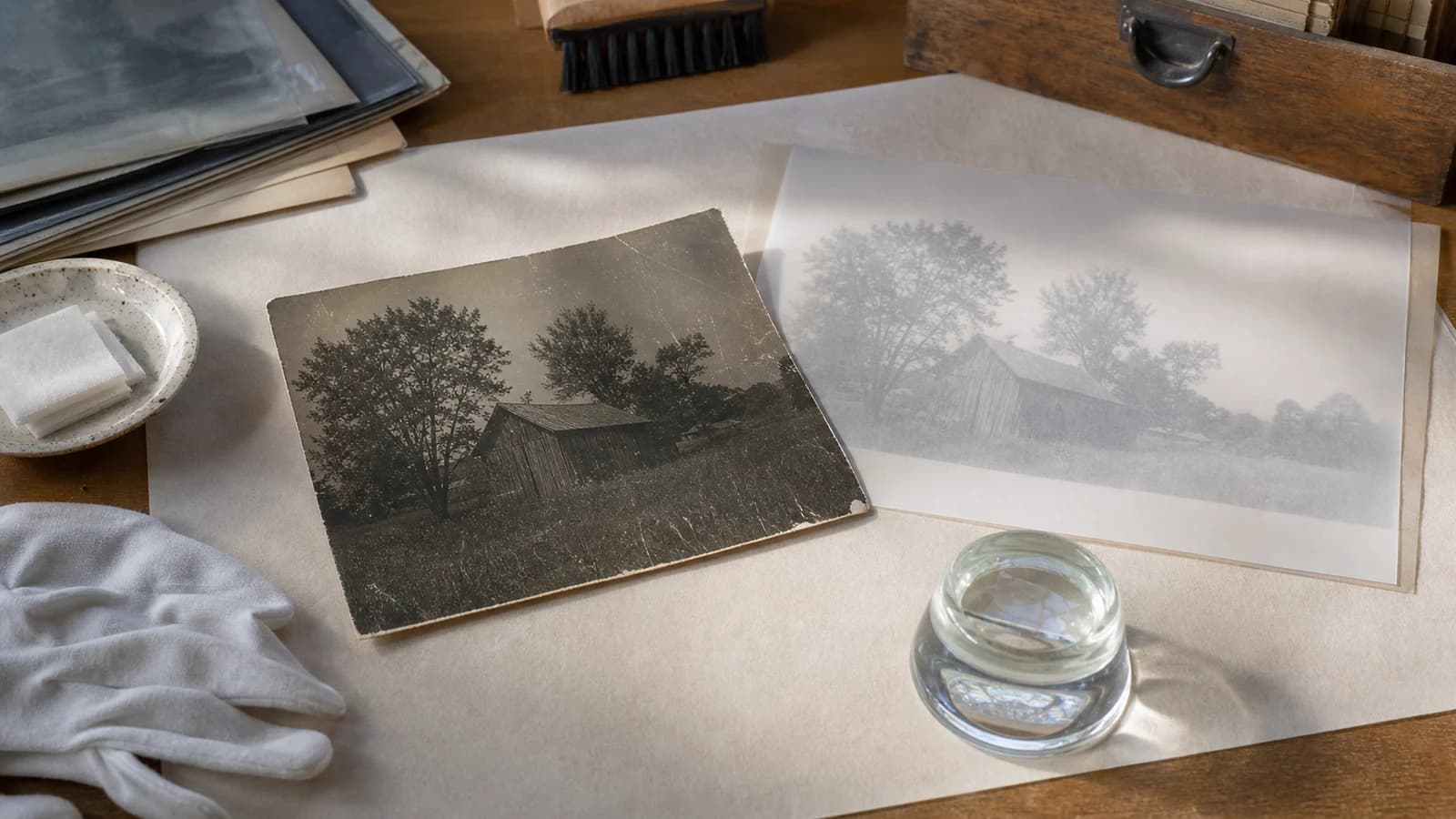
AI photo restorationrestoration limitsfamily photos
What Can AI Photo Restoration Really Recover?
Learn which photo details AI can clarify, which repairs are inferred, and when a convincing restored face or texture is still only a plausible guess.
8 min read · Updated September 6, 2026Read guide 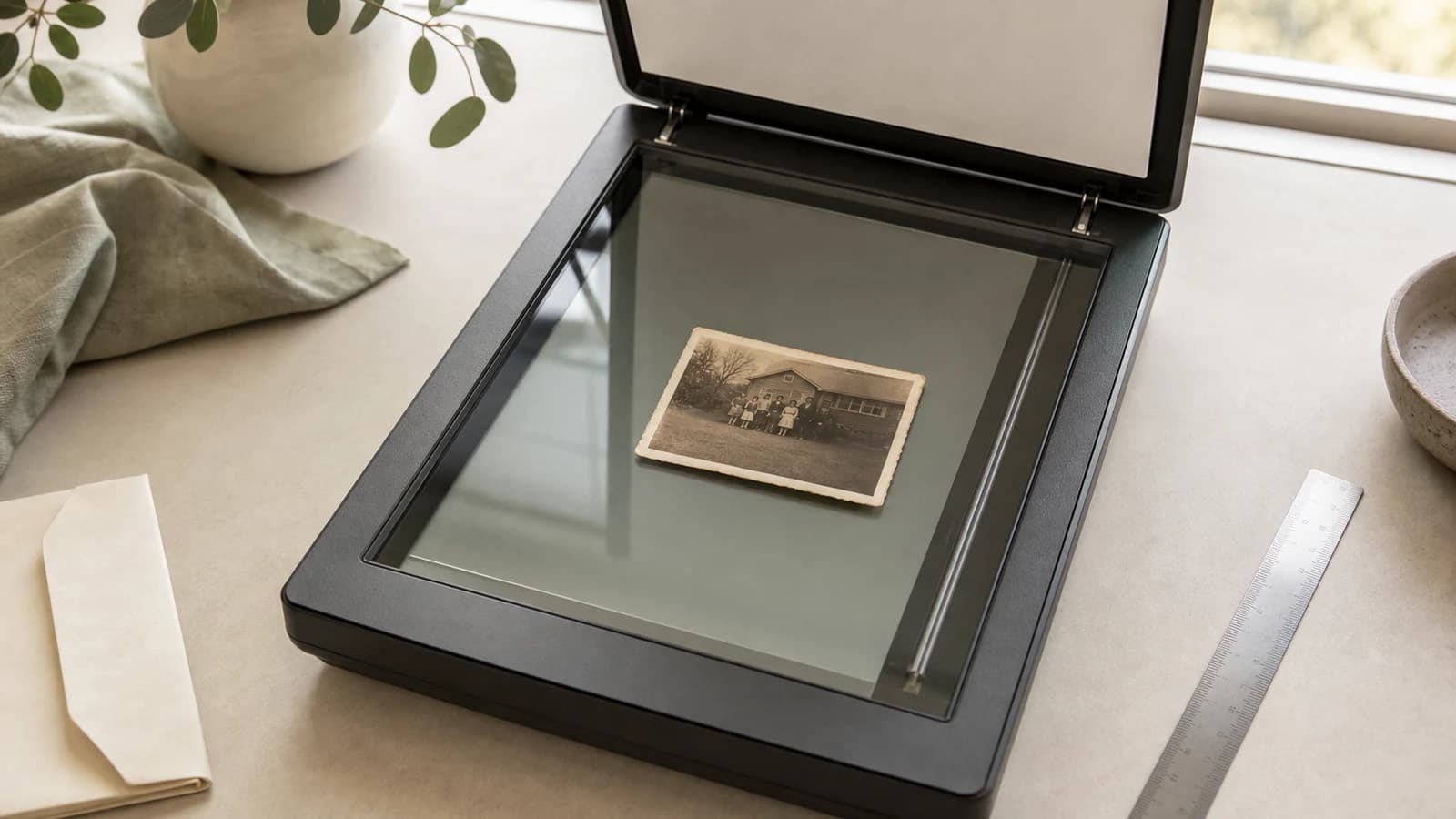
photo scanningdigitizationphoto restoration
What Resolution Should You Scan Old Photos At?
Choose between 300 and 600 PPI for old photo scans, with simple pixel calculations, practical settings, and honest restoration limits.
9 min read · Updated September 6, 2026Read guide phone scanningdigitize old photos
Digitize printed photos with your phone
Step-by-step tutorial for scanning old family photos with iPhone or Android so they are ready for restoration.
6 min read · Updated September 5, 2026Read guide lightingglare removal
Photograph old photos without glare using your phone
Lighting setups and camera tips that eliminate reflections on glossy or framed prints before upload.
5 min read · Updated September 5, 2026Read guide