
Restoration field guide
Should You Colorize an Old Black-and-White Photo?
Use this decision guide to colorize an old photo without confusing inferred color with evidence, overwriting your master scan, or losing context.

By My Restored Photo editorial team
Published October 6, 2026 · Updated October 6, 2026 · 8 min read
On this page
- What colorization can and cannot recover
- A five-question decision check
- 1. What will the color version be used for?
- 2. Does the color carry historical meaning?
- 3. Was black and white an intentional choice?
- 4. Is the image sensitive or public?
- 5. Can you preserve the source and explain the edit?
- A safer colorization workflow
- Preserve the physical and digital originals
- Make and name a working copy
- Start with evidence, then use restraint
- Review more than the color
- When leaving it black and white is the better choice
- A careful next step with My Restored Photo
- Sources
Colorize an old black-and-white photo only as a clearly labeled interpretation. Keep the physical print and an untouched digital master. Make the color version from a copy, and do not treat convincing skin, clothing, vehicle, or room colors as recovered facts unless separate evidence supports them.
That leaves plenty of room to enjoy colorization. A color version may help relatives connect with a picture, make people and objects easier to distinguish, or give you a useful print for display. The trouble starts when that version replaces the source or circulates without saying what changed.
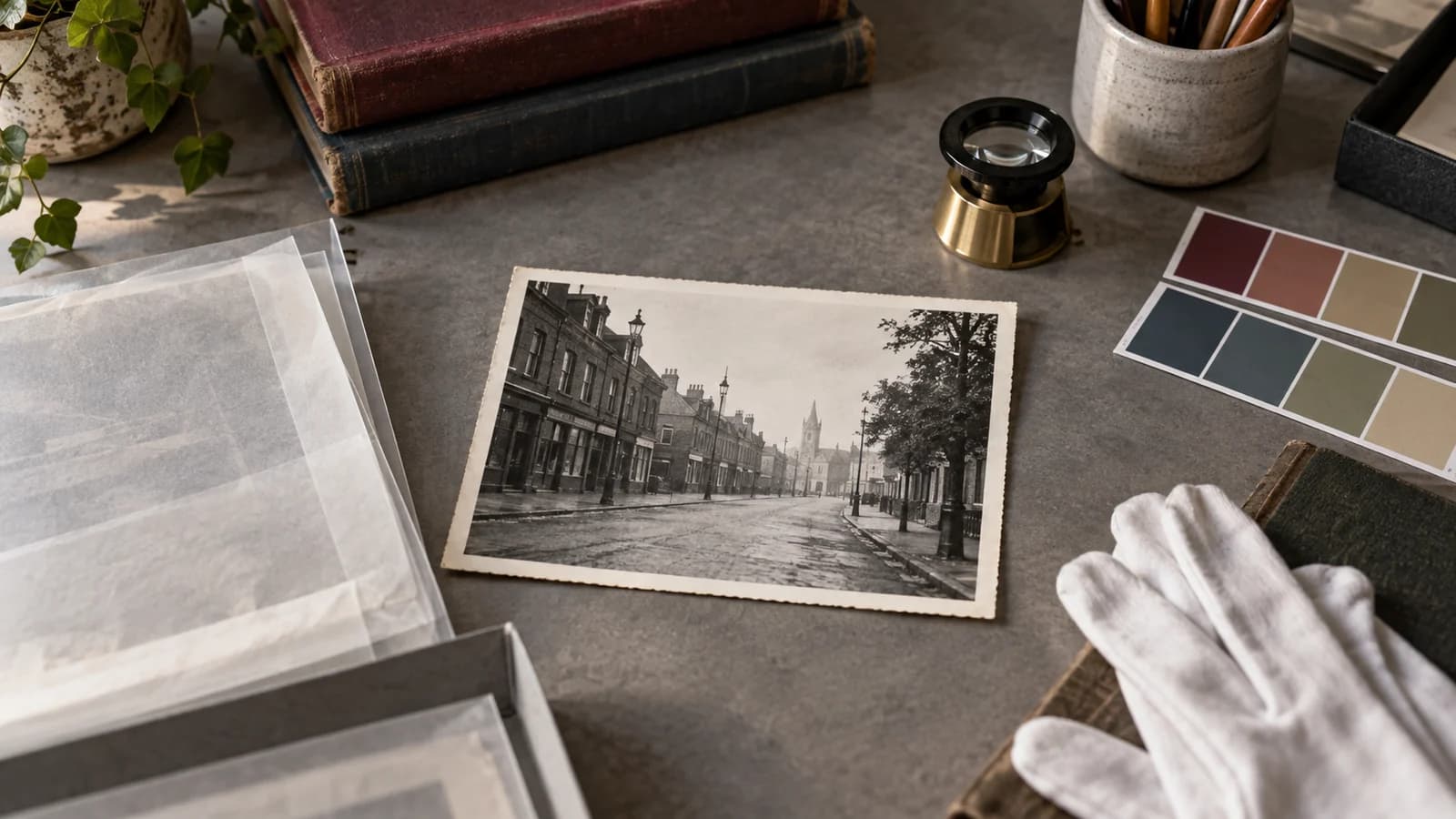
Cover illustration: an AI-generated concept of a colorization decision at an archival worktable. The empty streetscape is fictional and is not a customer photograph.
What colorization can and cannot recover
An ordinary single black-and-white photograph records brightness and structure, not a reliable map of the scene's original hues. Different colors can produce similar gray values. A dark dress might have been navy, green, brown, or another color, and the photograph alone may not settle the question.
Automatic colorization therefore predicts a plausible result. The CVPR paper on instance-aware image colorization describes the task as ill-posed and uncertain because one grayscale input can support several plausible color choices. The system in that research learns from large image datasets and uses object-level features to predict colors. It does not uncover hidden color channels in the old print.
Reference material can narrow the uncertainty. A color slide from the same day may show the dress. A dated catalog might document a product finish. A relative may remember a car or uniform. Record that evidence with the colorized file. If no reference exists, say that the colors are inferred.
Scanning a monochrome print in color is different from colorizing the scene. It records the print's existing tones, including a warm tint, rather than inventing colors for the objects pictured. FADGI's guidance for prints and photographs recommends color capture of both color and black-and-white prints at its higher performance levels to preserve those differences. Keep that faithful scan as your master.
A five-question decision check
1. What will the color version be used for?
Colorization is easier to justify for a family slideshow, a labeled display copy, or a creative print than for a genealogy record, historical claim, identification task, or public archive. The higher the evidential stakes, the more visible the original and the edit record should be.
For research or documentary use, show the untouched source alongside the colorized version. Do not crop away inscriptions, borders, studio mounts, or other context merely because the cleaner version looks better.
2. Does the color carry historical meaning?
Be cautious around uniforms, flags, ribbons, badges, painted signs, religious objects, military equipment, ceremonial clothing, and products whose color identifies a date or affiliation. A plausible guess can change the meaning of the image.
If a precise color matters, look for independent references. Family testimony can be useful, but label it as a recollection rather than a measurement. When the evidence remains weak, restrained color or no color is more honest than a vivid, confident guess.
3. Was black and white an intentional choice?
Do not assume monochrome is damage. The photographer may have chosen black-and-white film, printing paper, lighting, filters, or contrast for an artistic or practical reason. Colorization creates a new work based on that photograph. It does not complete an unfinished original.
This matters for studio portraits, art photographs, newspaper images, and pictures by known photographers. Check ownership and permission before altering or publishing material that is not yours. This guide does not determine copyright or other legal rights.
4. Is the image sensitive or public?
Consent and context matter when a photograph depicts trauma, persecution, death, medical treatment, crime, or people whose families and communities may still be affected. Historian Tara Tran's account published by the American Historical Association describes altered Khmer Rouge prison photographs. Some expressions were changed; one victim was misidentified and his family had not consented. The problem went beyond adding color.
For a sensitive image, ask whether the edit is wanted, who can give meaningful permission, and whether a public color version could mislead or harm. Color should never become an excuse to rewrite an expression, beautify damage, or remove uncomfortable context.
5. Can you preserve the source and explain the edit?
If you cannot keep an untouched master, pause. The Federal Agencies Digitization Guidelines Initiative does not allow color, tone enhancement, or restoration on master images of photographic prints. It permits adjustments on access versions when those changes are noted in metadata and file names.
That is an institutional standard, not a rule every family must copy exactly. The underlying separation is useful at home. Preserve one faithful master, then make clearly named versions for colorization, restoration, printing, and sharing.
A safer colorization workflow
Preserve the physical and digital originals
Digitizing a print does not make the physical object disposable. The US National Archives advises keeping originals because digital files have their own preservation risks and can be lost. If the print is fragile, stuck, wet, mouldy, flaking, or badly curled, use the condition checks in our scan-or-conservator guide before putting it on a scanner.
Save a faithful scan of the whole print as the master, including its borders and existing tones. Keep colorization, dust removal, generative repair, sharpening, and presentation crops in working copies. Back up the master before editing. Our guide to JPEG, PNG, and TIFF explains how a preservation master and smaller working copies can play different roles.
Make and name a working copy
Use names that reveal the relationship between files. For example:
1952-picnic-master-bw.tif1952-picnic-colorized-interpretation-v1.jpg1952-picnic-colorized-reference-led-v2.jpg
Keep known facts outside the pixels too. In a family inventory, record the source ID, edit date, tool, person who made the edit, references used, and uncertain regions. The workflow in our family photo organization guide keeps masters and edits linked without mixing them together.
Start with evidence, then use restraint
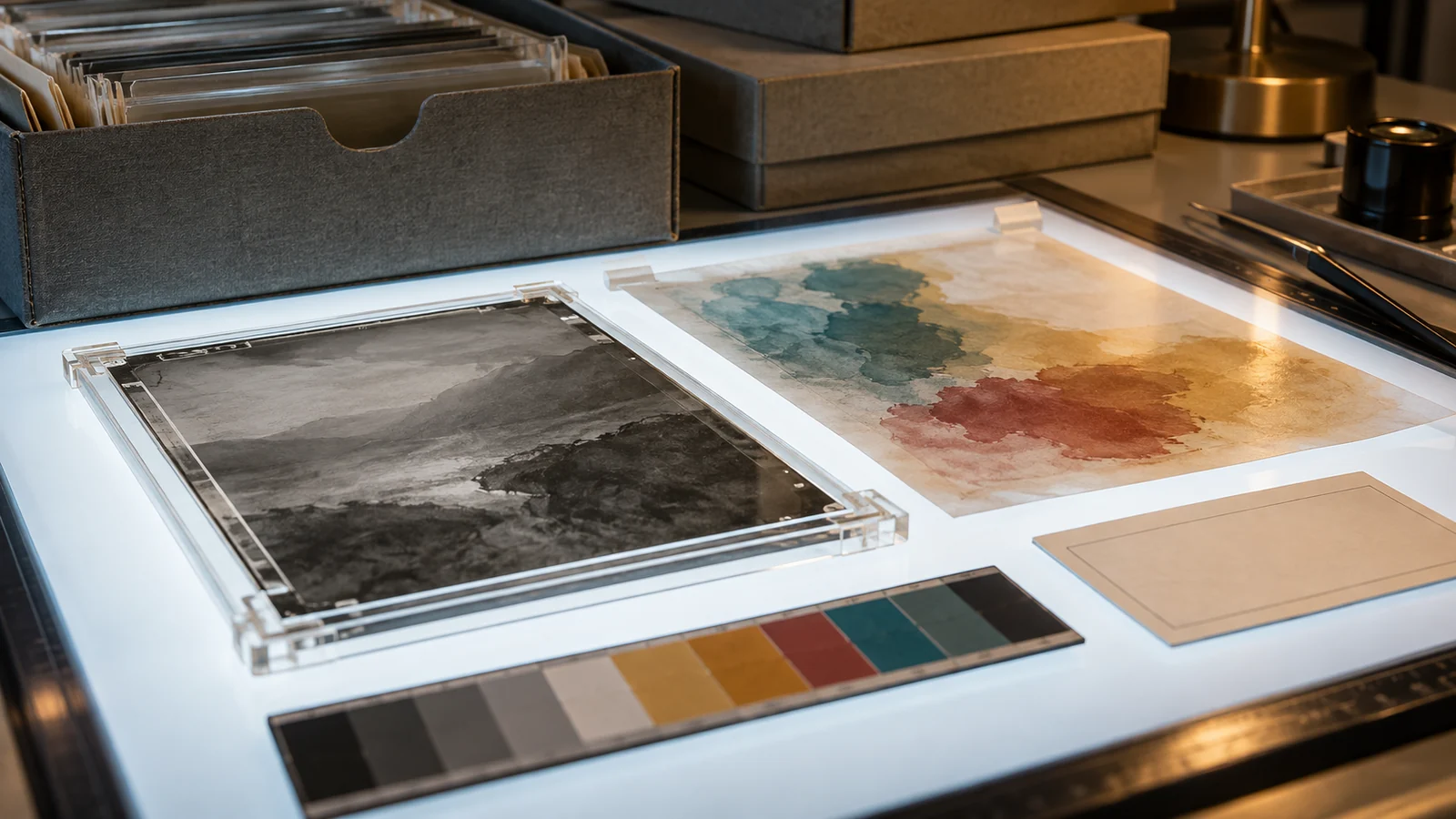
Collect reference photos before running the colorization. List what is known, what is probable, and what is unknown. A useful instruction might identify a verified uniform color while asking the tool to keep unverified clothing muted. The instruction can guide a model, but it cannot guarantee that the model will preserve faces, objects, edges, or composition.
Choose restrained color if it suits the image, but do not mistake muted colors for better evidence. Both subtle and vivid results can be wrong.
Review more than the color
If colorization is combined with AI restoration, review structure as well as color. CodeFormer's face-restoration research describes a trade-off between visual quality and fidelity. A cleaner-looking face can therefore be a poor reason to trust a repair.
Compare the result with the master at the same scene scale. Check whether the process changed:
- face shape, expression, hair, skin texture, or identity marks;
- clothing edges, insignia, jewelry, text, and hands;
- object boundaries, shadows, reflections, and background details;
- the original crop, grain, contrast, and damage pattern; or
- colors that spill across edges or change between repeated objects.
If you compare multiple attempts, differences can expose unstable color choices. Agreement between attempts still does not prove historical accuracy. Keep the version that best matches your purpose and references, or keep the image black and white.
When leaving it black and white is the better choice
Do not colorize merely because a tool can. Leave the source monochrome when the photographer's treatment is central to the image, when color could imply a historical fact you cannot support, when consent or ownership is unclear, or when a sensitive public image needs its original context.
You can still repair scratches or improve legibility without adding color, but those edits should also live in a derivative. Read what AI photo restoration can really recover before interpreting repaired faces or missing details as evidence.
A careful next step with My Restored Photo
If you want to test one ordinary family image, first make a duplicate and keep the untouched master elsewhere. After choosing a photo in My Restored Photo, check the color setting. For a detected black-and-white image it reads Add color to black-and-white; for a detected color image it reads Refresh faded colors. Colorization may already be enabled for a detected monochrome image, so turn it off if you want to keep the result black and white. Review the result against the source, rename the downloaded copy, and label added colors as inferred unless you have references for them.
You can try that workflow with My Restored Photo. The restoration form separates colorization from damage repair, but the output is still an AI interpretation. It cannot verify the original color of clothing, skin, buildings, vehicles, or scenery from grayscale alone.
Sources
- Federal Agencies Digitization Guidelines Initiative: Technical Guidelines for Digitizing Cultural Heritage Materials
- IEEE/CVF: Instance-Aware Image Colorization
- NeurIPS: Towards Robust Blind Face Restoration with Codebook Lookup Transformer
- US National Archives: Digitizing Family Papers and Photographs
- American Historical Association: Colorizing Photos from the Past