
Restoration field guide
Should you scan a damaged photo or call a conservator first?
Use a condition-first checklist to decide when a scratched, faded, torn, curled, wet, or stuck old photo is safe to scan and when to call a conservator.

By My Restored Photo editorial team
Published September 14, 2026 · Updated September 14, 2026 · 9 min read
On this page
- Check the condition before choosing equipment
- Damage that can often be scanned safely
- Damage that should pause a flatbed scan
- Wet, damp, or recently flooded
- Stuck to glass, an album, a sleeve, or another print
- Flaking, lifting, cracked, or hand-coloured surfaces
- Heavy tears, brittle mounts, curls, or loose pieces
- Unfamiliar or high-value photographic objects
- When an overhead photograph is safer than a flatbed
- What to ask a photograph conservator
- Restore the copy, preserve the evidence
- Sources
Scan a damaged photograph now only if it is dry, lies flat without force, and has a stable image surface. Fading, light scratches, and a small clean edge tear can often be recorded safely. Stop before scanning if the print is wet, mouldy, sticky, stuck to glass or an album, badly curled, in loose pieces, or shedding its image layer. Those conditions call for a photograph conservator or preservation specialist first.
The distinction matters because scanning and conservation solve different problems. A scan records the photograph's current appearance. Digital restoration can change a copy. Neither one stabilizes loose emulsion, separates stuck layers, treats mould, or repairs the physical original.
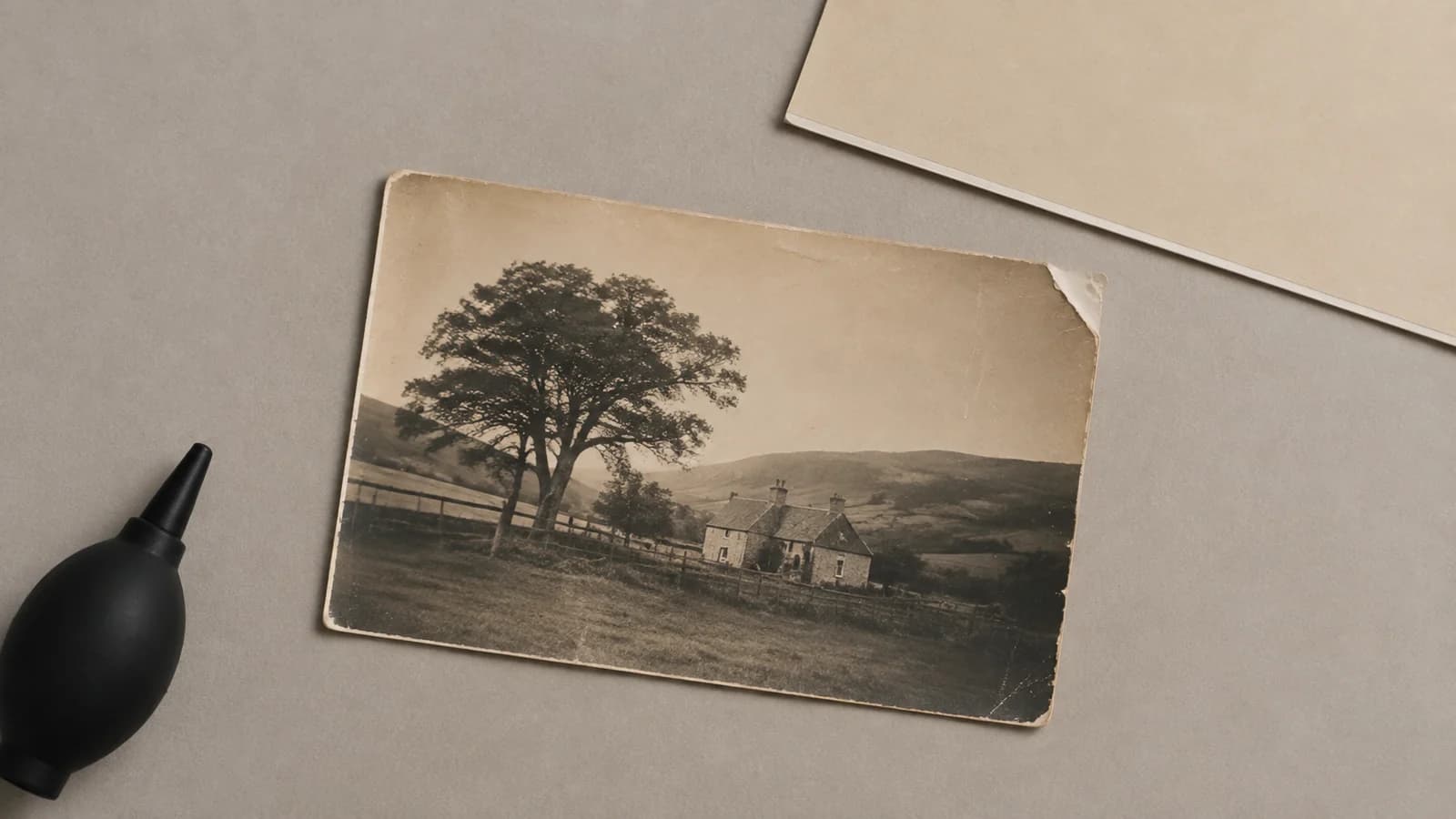
Cover illustration: a damaged print awaiting a condition check, not treatment. Both scenes in this guide are AI-generated editorial illustrations, not customer photographs. Do not dust a torn or unstable print, even with the air bulb shown in the cover.
Check the condition before choosing equipment
Ask these questions without rubbing, bending, flattening, or trying to clean the photograph:
- Is it completely dry? A damp or wet print is not ready for a scanner bed.
- Is the image surface attached? Look for flakes, blisters, powdery material, cracks that lift at the edges, or pieces that move when the support moves. Do not touch the image to test it.
- Is it free from other materials? Do not pull a photograph from glass, an album page, a plastic sleeve, another photograph, tape, or a mount if there is resistance.
- Will it lie as it is? If a scanner lid, sheet of glass, book, or your hand would be needed to flatten it, do not apply that pressure.
- Can the whole print be moved with support? A brittle mount, long tear, or detached piece can worsen when lifted by one corner.
The US National Archives handling guidance says to support photographs with two hands, avoid back-rolling a natural curl, and not dust a torn print or one with lifting emulsion. It also advises against removing photographs that are adhered to mounts or album pages.
These questions are a conservative handling checklist, not a diagnosis of the photograph's process or condition. If all five answers point to a dry, stable, freely moving print, a careful scan may be suitable. If any answer is uncertain, choose less contact or ask a specialist.
Damage that can often be scanned safely
A photograph does not need to look good before it is digitized. Cosmetic damage can be serious in the image while the physical object remains stable enough to handle.
A careful flatbed scan may be suitable when:
- the print is faded but dry and flat;
- scratches are visible but the surface is not lifting or flaking;
- stains are old and dry, with no tackiness or suspected mould;
- a small edge tear is closed, has no loose fragments, and the whole print can be supported; or
- the photograph is flexible enough to place and remove without bending it.
Use a clean, dry work area and handle the print by its edges or housing. Do not use tape, glue, liquid cleaner, erasers, or household chemicals before scanning. The Library of Congress care guidance warns that even a soft brush can scratch some photographs and advises against self-adhesive tape and glue.
For a stable print, use a flatbed rather than an automatic document feeder. Place it without forcing the curl, and do not press the scanner lid down. The Library of Congress excludes fragile, high-value photographs from form-feed equipment and says digitization equipment should fit the object without causing damage in its preservation guidelines for scanning.
Leave a small border around every edge, as recommended in the Canadian Heritage Information Network flatbed-scanning workflow. That workflow also recommends preserving the original scan separately from the post-processed version. Keep that untouched master before editing or trying digital restoration. The separate guide to scan resolution for old photographs explains when 300 or 600 PPI is useful. If the reverse has names, dates, a studio mark, or handwriting, capture it too, but only when turning the print is safe.
Damage that should pause a flatbed scan
Some warning signs change the job from routine digitization to stabilization.
Wet, damp, or recently flooded
Do not put a wet photograph on scanner glass. Water can soften image layers, make photographs stick to other materials, and increase the risk of mould. The National Park Service wet-photograph guide warns that mould can begin growing within 48 hours and recommends professional help for valuable collections, stuck photographs, and irreplaceable groups.
Wet-photo recovery is time-sensitive, but the right action depends on the photographic process, the water, and the scale of the incident. This is not a good place to improvise with heat, solvents, or a cleaning recipe. The Northeast Document Conservation Center emergency guide explains the safety risks and process-specific salvage options. Contact a conservator or disaster-recovery service promptly.
Stuck to glass, an album, a sleeve, or another print
Do not peel the photograph away. The image layer may stay on the glass or adjoining surface while the paper moves. The National Archives damage guidance lists stuck items among the cases that may need conservation treatment. NEDCC notes that a photograph adhered to glass can sometimes be digitally imaged through the glass while it remains attached.
If the outside of a frame can be photographed without opening or moving damaged material, that reference image may help a conservator assess the problem. It is documentation, not a substitute for safe separation.
Flaking, lifting, cracked, or hand-coloured surfaces
Do not brush, wipe, or slide these photographs into a sleeve for the sake of a scan. Loose image material can detach through contact or static. The Canadian Conservation Institute specifically warns against plastic sleeves when the emulsion or hand-colouring is friable.
Heavy tears, brittle mounts, curls, or loose pieces
Do not repair a tear with tape or flatten a curl under glass. The Library of Congress digitization guidance calls for assessing whether an item can be handled safely and whether treatment, temporary supports, or conservator handling is needed. The Canadian Conservation Institute warns that brittle mounting boards can break and damage the photograph. Assess the print and its mount together, not just the visible image.
Unfamiliar or high-value photographic objects
Cased photographs, tintypes, glass negatives, hand-coloured prints, and other early processes may have handling needs that are not obvious from appearance. A unique family image can also be valuable without having a market price. If the item is irreplaceable, deteriorating, or difficult to identify, ask a photograph specialist about safe handling before capture.
When an overhead photograph is safer than a flatbed
An overhead camera or copy stand avoids the need to press a print against glass. The National Archives recommends an overhead setup for photographs with extensive damage or heavy curl. It also notes that some photographs can be digitized through a suitable existing sleeve, so they do not need to be removed merely to make a copy.
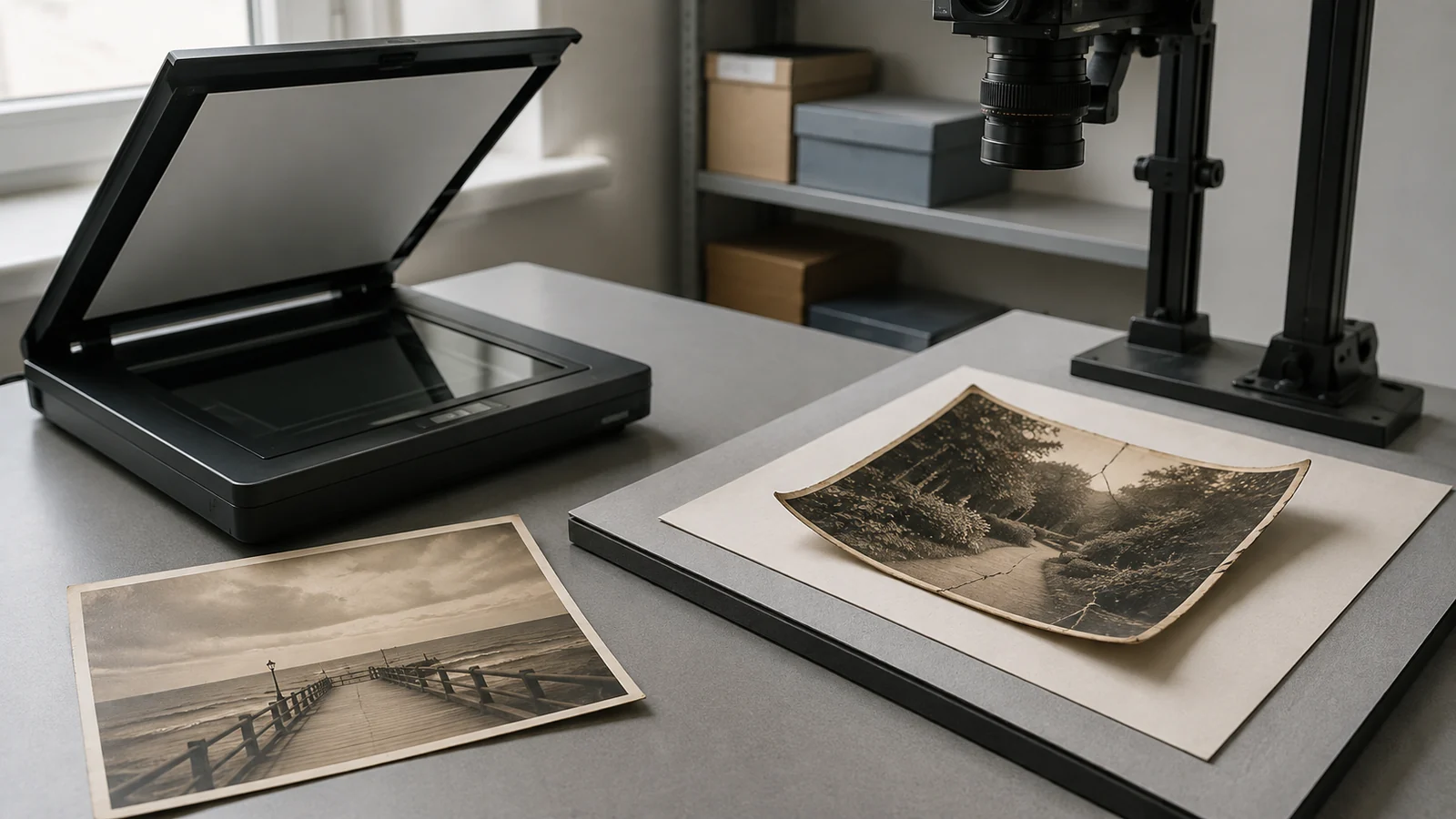
Less contact does not make every setup safe. Do not move a mouldy, wet, flaking, or stuck photograph just to place it beneath a camera. Do not add glass or weights to flatten it. If the print is stable but framed, the guide to photographing old photos without glare can help with lighting, but a photograph stuck to the glazing should remain in place until a specialist advises otherwise.
What to ask a photograph conservator
In the United States, the American Institute for Conservation directory lets you search peer-reviewed professional members by location and specialty. Outside the US, look for a photograph specialist through your national conservation association.
Give the conservator a short condition summary:
- whether the item is wet, dry, mouldy, sticky, flaking, curled, or stuck;
- whether it is a loose print, mounted photograph, album page, framed object, negative, or plate;
- its approximate size and whether any pieces are detached;
- when the damage happened and whether it is changing; and
- whether your priority is physical stabilization, safe digitization, display, or all three.
Send reference photographs only if you can make them without disturbing the object. Ask whether it is safe to digitize before treatment, which capture method they recommend, and how the item should be supported during transport.
Restore the copy, preserve the evidence
Once you have a safe digital capture, work on a duplicate and keep the untouched master. Digital tools may reduce the appearance of fading, scratches, stains, cracks, and missing areas, but the result is a new image file. It is not a repaired original.
Large missing areas create another limit. An AI restoration may fill them with detail that looks coherent but was not recorded in the damaged photograph. CodeFormer research describes how blind face restoration uses learned visual patterns to supply lost detail, with a trade-off between visual quality and fidelity. Faces, clothing, jewellery, signs, and background objects deserve close comparison with the scan. The guide to what AI photo restoration can really recover gives a practical review method.
If your photograph is already dry, stable, and safely digitized, you can restore one copy and compare the result with the untouched scan. If the physical print is still at risk, pause the digital job. Stabilizing the original comes first.
Sources
- US National Archives: Photographs handling and housing guidance
- US National Archives: Repairing existing damage to family papers and photographs
- Library of Congress: Care, handling, and storage of photographs
- Library of Congress: Preservation guidelines for digitizing library materials
- National Park Service: Saving wet photographs
- Northeast Document Conservation Center: Emergency salvage of wet photographs
- Canadian Conservation Institute: Caring for photographic materials
- American Institute for Conservation: Find a professional
- Canadian Heritage Information Network: How to scan reflective objects using a flatbed scanner
- NeurIPS: Towards Robust Blind Face Restoration with Codebook Lookup Transformer