
Restoration field guide
AI Photo Restoration vs Manual Retouching vs Conservation
Choose between automated AI restoration, manual digital retouching, and photograph conservation based on the original, the damage, and your goal.

By My Restored Photo editorial team
Published September 18, 2026 · Updated September 18, 2026 · 9 min read
On this page
Choose by asking what needs work. Use automated AI restoration to test a digital copy and make broad repairs. Choose manual retouching when a person needs to control individual areas, use reference photos, or revise sensitive details. Call a photograph conservator when the physical original is fragile, stuck, flaking, mould-affected, wet, unusually valuable, or difficult to identify.
These options are not three quality levels of the same service. AI restoration and manual retouching change pixels in a digital file. Conservation examines, stabilizes, and sometimes treats the physical photograph. A beautiful digital result does nothing to stop the original print from deteriorating.
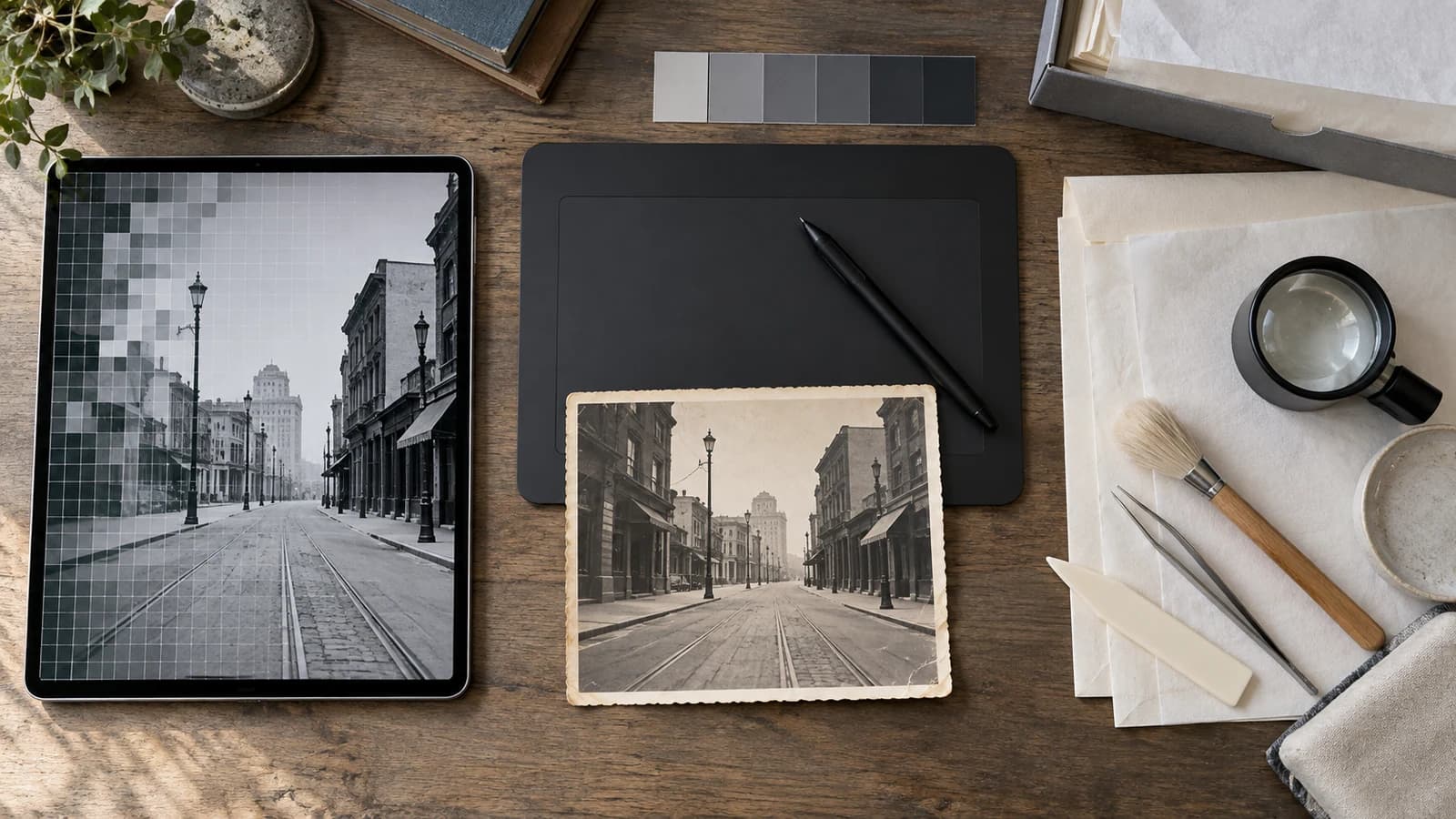
Cover illustration: an AI-generated concept showing three work areas. The street photograph is fictional and is not a customer image or a restoration result.
The quick decision
| Your situation | Best first route | Why |
|---|---|---|
| You have a sound scan with fading, small scratches, noise, or a colour cast | Automated AI restoration | A first pass can show whether a broad digital repair is useful before you spend time on detailed work |
| A face, inscription, uniform, jewellery, or patterned area must stay under close human control | Manual retouching | A retoucher can work region by region, compare references, and revise specific choices |
| The original is stuck to glass or an album, brittle, flaking, torn through the image layer, wet, mould-affected, or otherwise unstable | Photograph conservation | The physical object needs examination and safe handling before digitization or cosmetic editing |
| The image is important and the scan needs both broad cleanup and exact local decisions | A hybrid digital workflow | Use automation for a restrained first pass, then retouch only the areas that need human control |
| A missing face or word has no surviving reference | No method can verify it | AI and a human can propose a reconstruction, but neither can prove lost information from appearance alone |
If you are unsure whether the print is safe to scan, start with our condition-first guide to scanning damaged photographs. Do not use a digital restoration tool as permission to flatten, clean, separate, or repair an unstable original.
What automated AI restoration changes
An automated service applies a model to a digital image. The user may choose a goal such as repairing damage, reducing noise, balancing colour, or enlarging the file, but the model decides many local pixel changes in one pass.
That makes AI useful as a first look when the source still contains plenty of evidence and the damage is ordinary. It can be a sensible way to test one scan before deciding whether a larger collection needs more careful work. The result still needs inspection. A smooth face, complete jacket, or clean sign may contain generated detail rather than recovered history.
The uncertainty is not a minor edge case. The CodeFormer research paper describes blind face restoration as highly ill-posed and exposes a trade-off between visual quality and fidelity to the degraded input. A result can therefore look more photographic while moving away from the person's real features.
Choose an AI first pass when:
- you already have a safe, clear digital copy;
- the goal is a shareable or printable derivative, not physical treatment;
- the important faces and objects remain visible in the source; and
- you can compare the result with the untouched scan rather than judging it alone.
Move to manual work when repeated attempts change identity-bearing details, when text matters, or when you need to approve each important repair.
What manual retouching adds
Manual retouching also changes a digital copy. Its advantage is directed human control, not automatic historical accuracy. A retoucher can isolate a crease, choose a source area for repair, keep a face untouched, consult another photograph of the same person, and show revisions for one disputed region.
Manual retouching is not necessarily an "AI-free" category. Editing software may offer cloning, healing, content-aware, and generative tools side by side. Adobe's current Remove tool documentation lets the operator choose generative AI on, off, or automatic. Its multi-layer sampling guidance explains how Clone Stamp and Healing Brush work can remain on editable layers. The meaningful question is how the retoucher controls, documents, and checks the changes.
Manual retouching is a stronger choice when:
- one region matters more than the rest of the photograph;
- you have reference images that can constrain a missing feature or object;
- the restoration needs several review rounds with named priorities;
- you want a layered working file or a record of major digital changes; or
- an automated result is attractive overall but wrong in a few important places.
A human retoucher can still invent a plausible eye, medal, word, or pattern when the source and references do not contain the answer. Ask the retoucher to separate observed detail from reconstruction and to leave uncertain areas visible when a confident repair would mislead.
What a photograph conservator does
A photograph conservator works with the material object. The American Institute for Conservation defines conservation as examination, documentation, treatment, and preventive care supported by research and education. Its conservation terminology also distinguishes preservation, stabilization, and restoration.
This work may include identifying the photographic process, assessing the image layer and support, improving housing, recommending storage, documenting condition, or proposing physical treatment. It is not simply premium retouching. The conservator may recommend no treatment when intervention would create more risk.
The AIC Code of Ethics and Guidelines for Practice calls for careful examination, suitable treatment, and permanent records. It says a treatment plan should explain the objective, alternatives, and risks and, when appropriate, be submitted to the owner or custodian. It also says compensation for loss should be documented and should not falsely alter known characteristics of the object. For a family owner, that means a credible conservator should explain the condition, options, risks, and treatment record rather than promise to make the photograph look new.
The US National Archives advises against dusting a torn photograph or one with cracked or lifting emulsion and recommends consulting a photograph conservator. It also warns against separating a print from an album page or backing because this may damage the image layer. See NARA's photograph handling guidance.
For a US-based search, AIC's guide to hiring a conservation professional explains what to ask about examination, insurance, shipping, fees, waiting periods, and treatment reports. Outside the US, look for the recognized conservation professional body in your country and ask for a photograph specialist.
A safe hybrid workflow
The best answer is often a sequence, not a winner.
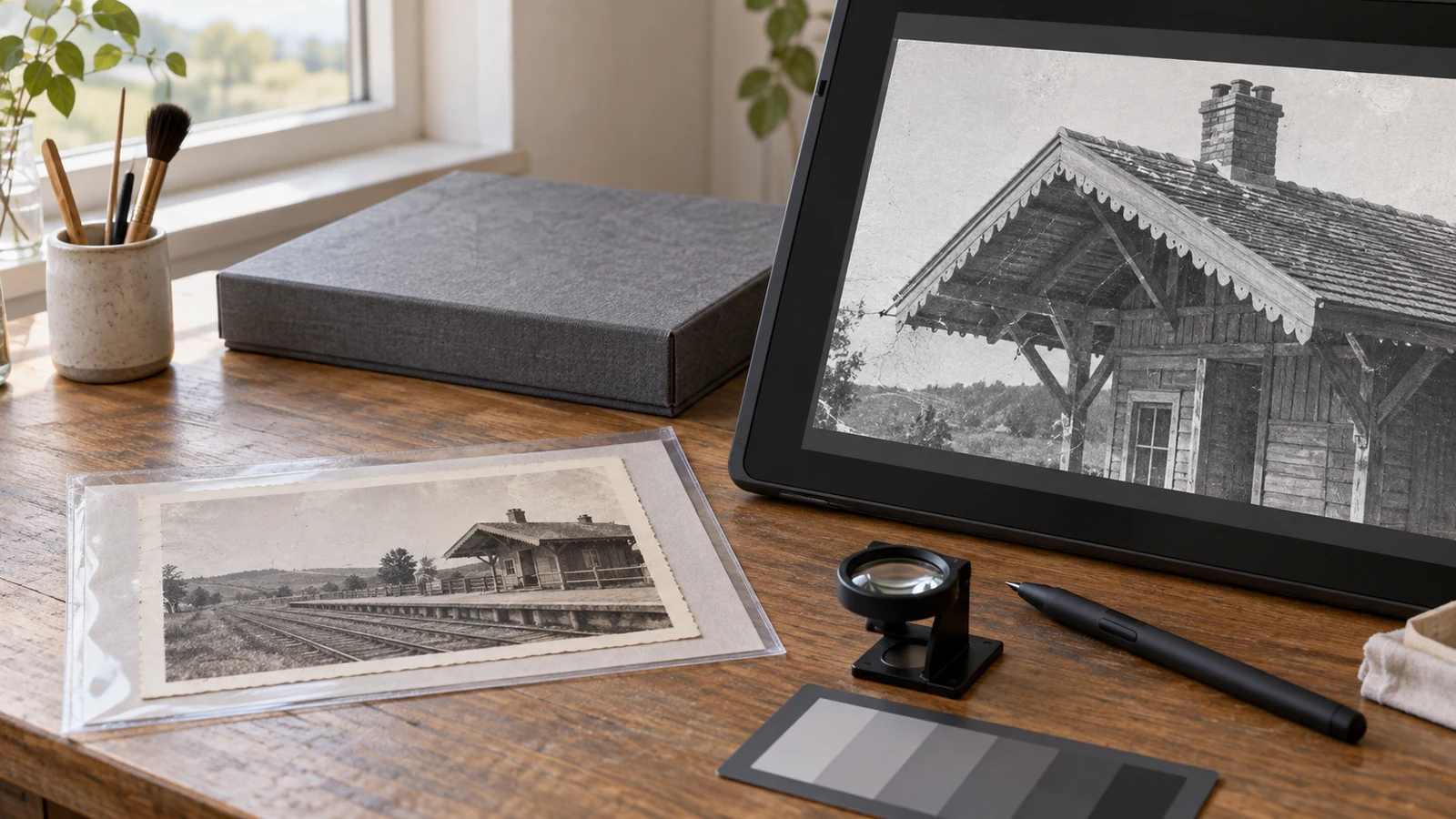
- Check the object first. If the original is unstable, stop. Ask a photograph conservator how to handle or digitize it safely.
- Create and preserve a neutral master. Keep the best faithful scan or camera capture unchanged. Work only on a clearly named copy.
- Define the goal. A small family reprint, a memorial display, a historical record, and a museum object need different levels of control and documentation.
- Try one restrained automated pass when appropriate. Do not process the whole archive until you have inspected one representative result.
- Compare at the same scene scale. Check faces, hands, lettering, jewellery, clothing patterns, architecture, and edges against the source.
- Retouch only the unresolved regions. Give the retoucher the untouched master, the automated result as a reference, and any confirmed family photographs or notes.
- Label the derivative. Record the date, tools, major changes, references, and uncertain reconstructions. Keep it separate from the master.
Questions to ask before paying for a service
Words such as "professional," "hand restored," and "AI powered" do not tell you enough. Ask for concrete answers.
- Are you treating the physical photograph or editing a scan?
- Do I need to send the original, or is a digital file enough?
- Which parts of the workflow use automated or generative tools?
- Will you preserve face shape, text, clothing, and background details unless I approve a change?
- Can I supply reference photographs, and how will you use them?
- How are uncertain reconstructions identified?
- What file will I receive: a flattened image, a layered working file, a treatment report, or some combination?
- How are uploads, originals, working files, and finished files stored and deleted?
- What happens if the result changes an important detail?
Do not assume a retoucher is a conservator, or that a conservator provides digital cosmetic restoration. Confirm the deliverable before sending an irreplaceable object.
Where My Restored Photo fits
My Restored Photo is an automated digital restoration service. It does not examine or treat physical photographs and it is not a substitute for a conservator. The current service accepts a JPG, PNG, or WebP digital copy up to 10 MB, applies a guided AI restoration, and provides an original-versus-restored comparison plus editing and retry options.
If the physical original is stable and you already have a good digital copy, you can try one restoration and inspect the result before deciding whether manual retouching is worth adding. Preserve the untouched scan first. For a closer look at generated-detail risk, read what AI photo restoration can really recover.
The useful question is not "Which method is best?" It is "What needs to change, and what evidence must remain trustworthy?" Keep the physical object, the neutral scan, and the edited derivative as separate things. That one distinction prevents most expensive misunderstandings.
Sources
- NeurIPS: Towards Robust Blind Face Restoration with Codebook Lookup Transformer
- Adobe Photoshop: Replace distractions with the Remove tool
- Adobe Photoshop: Sample from all visible layers
- American Institute for Conservation: What is conservation?
- American Institute for Conservation: Code of Ethics and Guidelines for Practice
- American Institute for Conservation: Hiring a conservation professional
- US National Archives: Photographs