
Restoration field guide
How to Store Old Photos After Scanning
Keep original prints after scanning. Choose photo-safe folders, sleeves, and boxes, find a suitable home storage spot, and know when to ask a conservator.

By My Restored Photo editorial team
Published October 20, 2026 · Updated October 20, 2026 · 8 min read
On this page
- Check condition before you rehouse anything
- Choose the storage spot before buying a box
- Should the originals go in a refrigerator or freezer?
- Buy by material specifications, not the word archival
- Paper folders or clear sleeves?
- Fit and label one small batch
- Use copies for display and everyday sharing
- Finish with a storage record and a working copy
- Sources
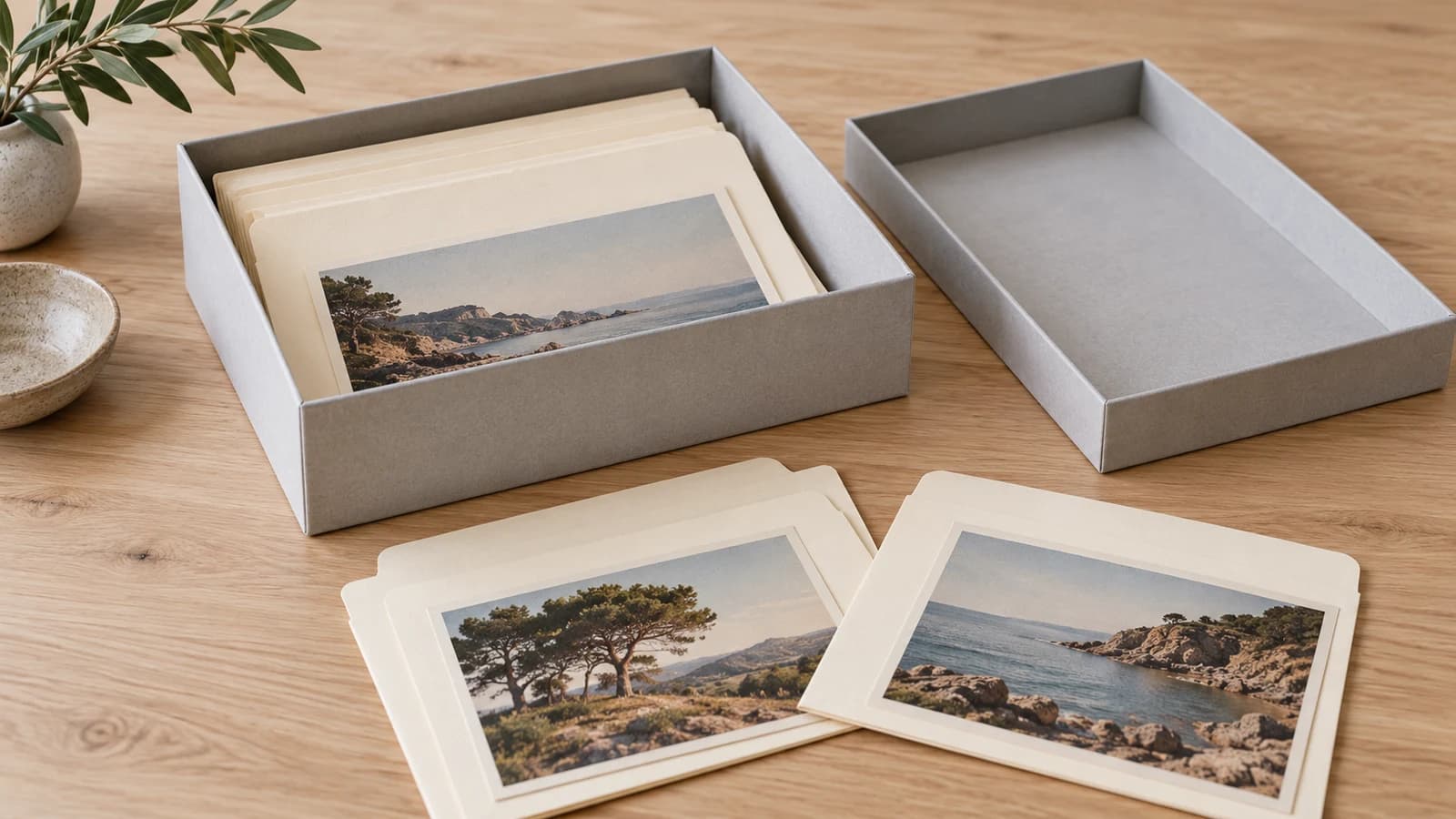
Keep your original photographs after scanning. For dry, stable paper prints, choose photo-safe enclosures inside a properly fitted box, then store the box in a cool, relatively dry part of your home away from leaks and strong environmental changes. A scan gives you another way to use the image; it does not remove the need to care for the print. The US National Archives recommends retaining originals because digital files have preservation risks too.
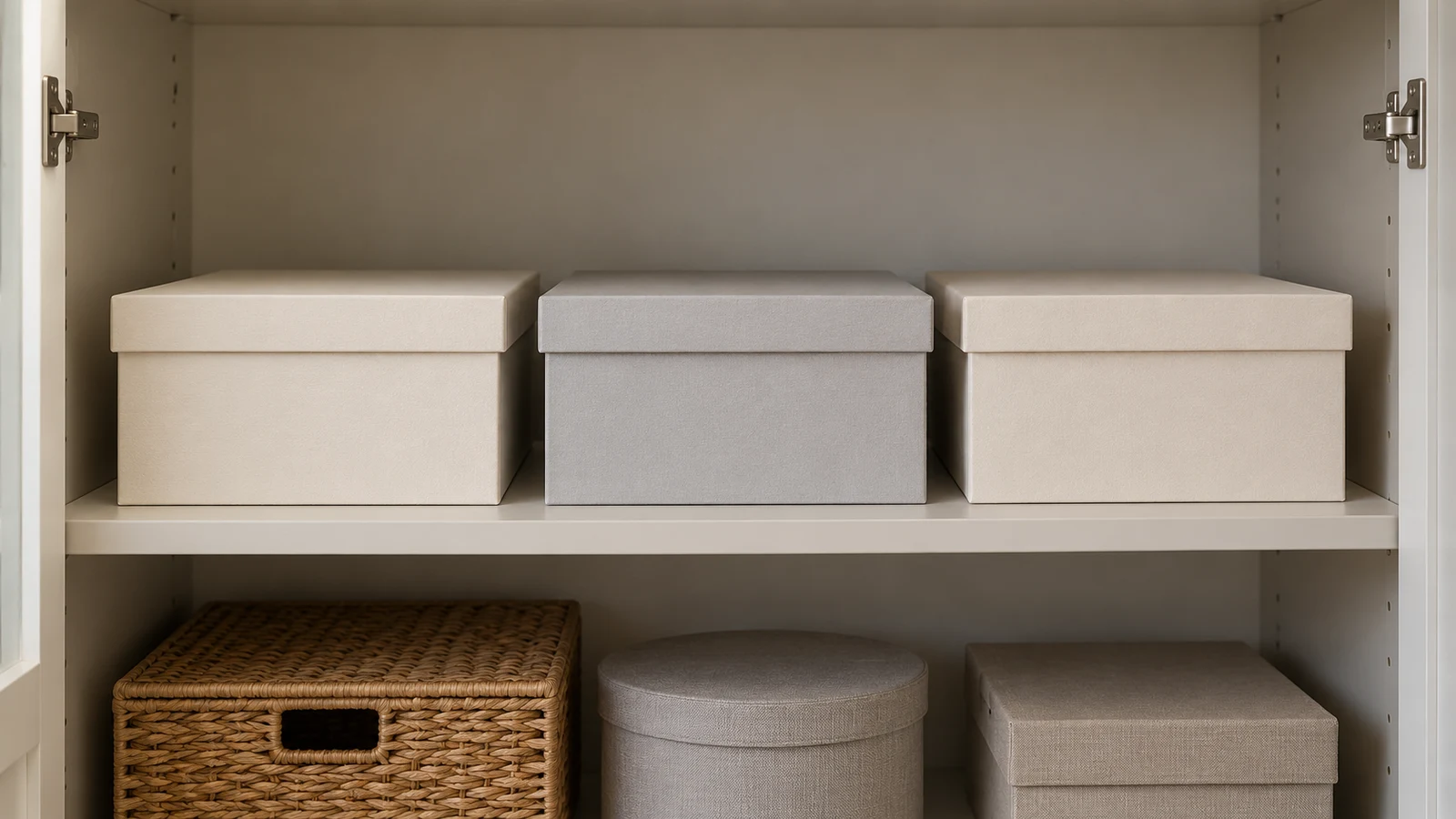
This checklist is for ordinary loose paper prints. Glass, metal, film negatives, unusual photographic processes, and damaged albums need more specific advice. Both illustrations are original AI-generated fictional concepts, not customer collections, product endorsements, or evidence that the pictured materials have passed preservation tests.
Check condition before you rehouse anything
Start with one small group. If prints are wet, moldy, stuck together, or attached to an album or glass, pause before trying to separate them. The National Archives identifies stuck items and mold as reasons to consult a conservator. Seek prompt conservation help for wet or actively pest-infested materials rather than leaving them for a later rehousing session.
Do not peel, scrape, soak, or flatten an original to make it fit new storage. The National Archives refers tape removal and flattening to trained conservators, especially for heirlooms. Use our damaged-photo triage guide to decide whether rehousing should wait. Scanning or digitally editing an image does not treat the physical object.
Flaking image layers and powdery hand-applied color also change the enclosure choice. The Canadian Conservation Institute warns against plastic sleeves for damaged emulsions or friable hand-coloring, because static can detach fragile material. A sleeve that works for a stable snapshot may be wrong for a fragile print.
Choose the storage spot before buying a box
Look for a shelf in the lived-in part of the home. Check what is above it, behind it, and on the other side of the wall. A cupboard beneath a leaking pipe is a poor choice even if it looks tidy.
The National Archives recommends keeping collections out of hot attics, damp basements, and garages, away from leak sources, and on shelves rather than the floor. This advice applies beyond the US; choose according to your actual building and climate.
The Library of Congress recommends stable conditions at 70°F or below, about 21°C, and 30–50% relative humidity. These are preservation targets, not lifespan guarantees. Address persistent heat or dampness rather than relying on packaging alone.
Consider recording temperature and humidity in a candidate location before committing the collection to it. The Canadian Conservation Institute recommends environmental monitoring and notes that ordinary enclosures cannot protect against long-term seasonal humidity changes.
Should the originals go in a refrigerator or freezer?
Do not improvise cold storage. It can slow deterioration of vulnerable color photographs, but the National Archives says it requires special packaging and procedures. Ask a photograph conservator about a suitable approach if a valuable or unstable collection warrants it. This household checklist is not a cold-storage protocol.
Buy by material specifications, not the word archival
An attractive box described as "archival" or "acid-free" is not enough information to choose materials that touch photographs. Ask the supplier for the specification of the exact folder, sleeve, page, or board you intend to buy.
The Image Permanence Institute explains that the Photographic Activity Test, or PAT, evaluates possible chemical interactions during prolonged contact. PAT results are useful evidence about a material. They do not establish that a box is waterproof, that a print will last forever, or that every product sold by that supplier has been tested. The Library of Congress describes photo-safe housing in terms of ISO 18902 requirements, including PAT.
Use these questions while shopping:
- What is the enclosure made from, and does the supplier document photo-safe specifications for this exact product?
- Does the documentation include a passed PAT, rather than only "acid-free" marketing language?
- Is the internal size large enough for the whole print and any original mount?
- Can you retrieve an item without dragging it against a tight opening or bending it?
- Is the material suitable for the photographic process and condition you actually have?
Keep a copy of the product specification with your collection notes. If the supplier cannot answer, choose something with clearer documentation or ask a conservator before placing an irreplaceable print inside.
Paper folders or clear sleeves?
The Library of Congress describes paper enclosures as light-blocking and easy to label, and clear plastic as allowing viewing without removal. Suitable plastics include uncoated polyester, polyethylene, and polypropylene. Avoid plastic sleeves in uncontrolled humidity, where emulsions can stick to them. Avoid unknown plastics and PVC, as the National Archives advises.
Buffered paper is not a universal upgrade. The Library of Congress cautions against it for cyanotypes and dye transfer prints. If you cannot identify an unusual print, have it assessed rather than guessing from its color alone.
Fit and label one small batch
Prepare a clean work area away from food and drinks, following the National Archives handling guidance. The Library of Congress advises handling photographs with clean hands or clean nitrile gloves. Support each print from underneath and hold its edges, as the Archives' photographic-print guidance recommends. Keep the current order while you decide how each group will be housed.
Choose a box that supports the enclosed prints without overfilling or leaving them loose enough to slump, as the National Archives recommends. Larger or fragile mounted prints may need flat storage and rigid support, as described by the Canadian Conservation Institute.
Here is an editorial example of a simple tracking system:
- Assign a group a short identifier, such as
family-box-01. - Give its enclosures item numbers, such as
001and002. - Record each item's scan filename, physical location, and any existing caption in a separate inventory.
- Mark uncertain identities or dates as uncertain rather than filling in gaps.
- Check that you can find a print using the inventory before repeating the system across more boxes.
The Library of Congress prefers marking housing materials to marking photographs. For a clear sleeve, ask the supplier about an appropriate labeling method rather than experimenting on the photograph. Our scanned-photo organization guide covers the digital side in more detail.
Use copies for display and everyday sharing
Make a separate display print if you want a favorite image on the wall. The National Archives recommends displaying copies while keeping originals boxed, because visible and ultraviolet light can change photographs. UV-filtering glazing does not remove the need to limit exposure when displaying an original.
For viewing albums, use documented photo-safe pages. The Library of Congress warns against self-adhesive or "magnetic" pages. This does not mean you should dismantle an existing album. The National Archives favors mounting without glue or adhesive; removing old attachments is a separate conservation decision.
Finish with a storage record and a working copy
Before putting the box away, note its location, contents, enclosure product details, and any unresolved condition concerns. Tell another family member where that record is. Recheck the location if a leak, move, or change in room conditions affects it. These are practical recordkeeping suggestions, not a guarantee against damage.
If you want to try digital restoration, use a JPG or PNG working copy at My Restored Photo, keeping the untouched scan and original print separately. Review changes against the scan before sharing the result. Research such as CodeFormer describes a trade-off between visual quality and fidelity in face restoration; plausible generated detail is not proof of historical appearance. That research is evidence of a general limitation, not a description of the model used by this service.
If a reprint is the goal, continue with size, resolution, paper, and crop choices. A new print can become the one you handle and display while the original stays in its enclosure.
Sources
- US National Archives: Storing family papers and photographs
- Library of Congress: Care, handling, and storage of photographs
- Image Permanence Institute: Photographic Activity Test
- Canadian Conservation Institute: Caring for photographic materials
- US National Archives: Handling family papers and photographs
- US National Archives: Family archives general guidance
- US National Archives: Repairing existing damage
- US National Archives: Digitizing family papers and photographs
- US National Archives: Displaying family papers and photographs
- NeurIPS 2022: CodeFormer face-restoration research